Ship2FFL app icon

Ship2FFL

Every order to a licensed dealer.

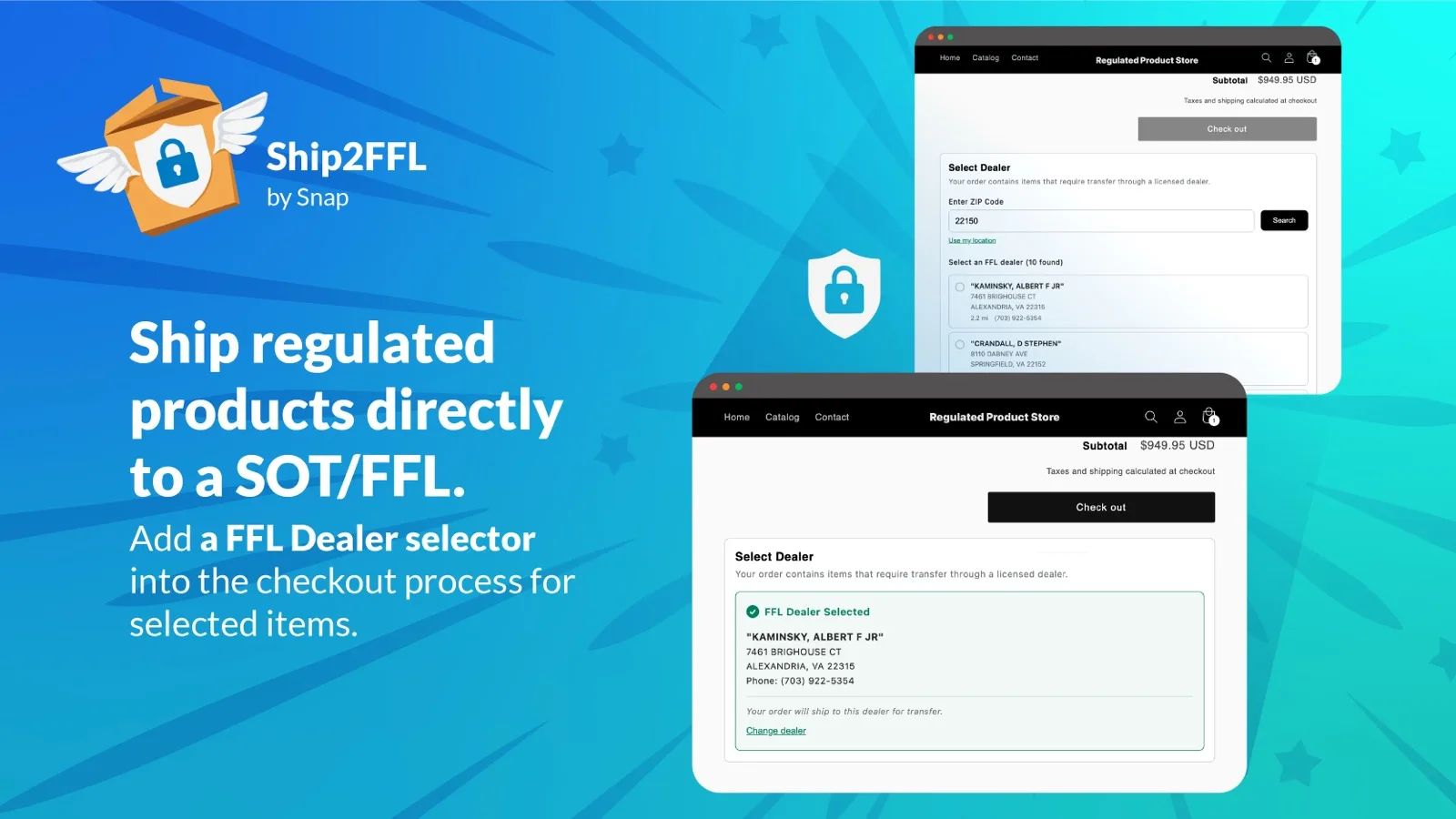
Ship2FFL shows your customers the nearest FFL dealers at checkout and routes the shipment there automatically - so you stay compliant and your customers get their orders without back-and-forth emails.

Same features, same pricing, 14-day free trial on both platforms.

A Look Inside

From checkout to compliance.

How It Works

Three steps to compliant shipping.

1

Tag your products

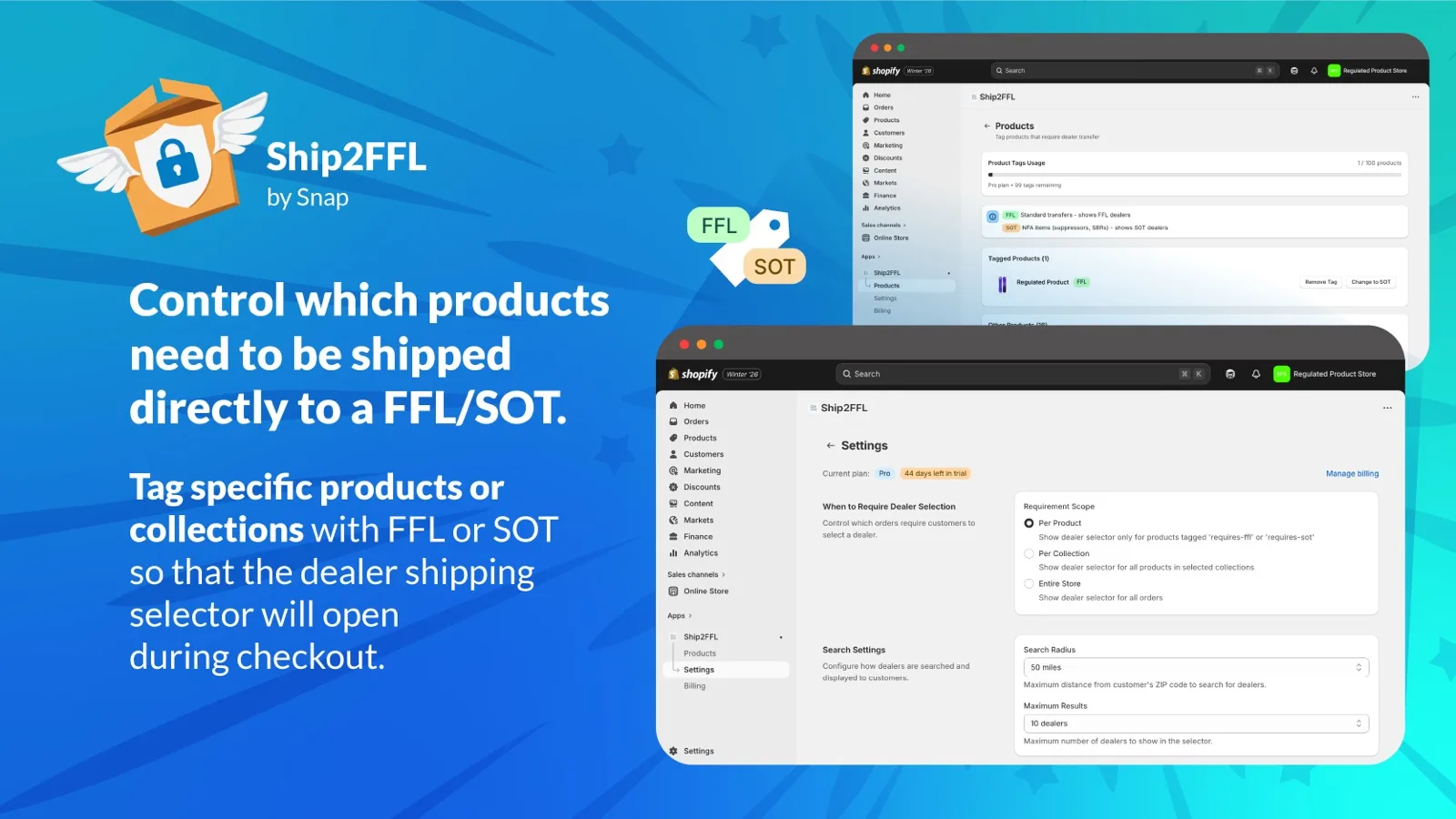
Mark which products require an FFL transfer - or an SOT dealer for NFA items. Everything else ships normally.

2

Customers pick a dealer

At the cart, customers see nearby licensed dealers from our database of 60,000+ FFLs, updated monthly from ATF data.

3

Orders ship to the dealer

The shipping address is pre-filled with the dealer's address, and the selected dealer is saved on the order for your records.

Pricing

Simple plans. 14-day free trial.

Starter

$29 /month

  • 20 FFL-tagged products
  • 25 mile search radius
  • Dealer selector on cart page
  • Checkout address pre-fill
Start Free Trial

Enterprise

$149 /month

  • Unlimited tagged products
  • Unlimited search radius
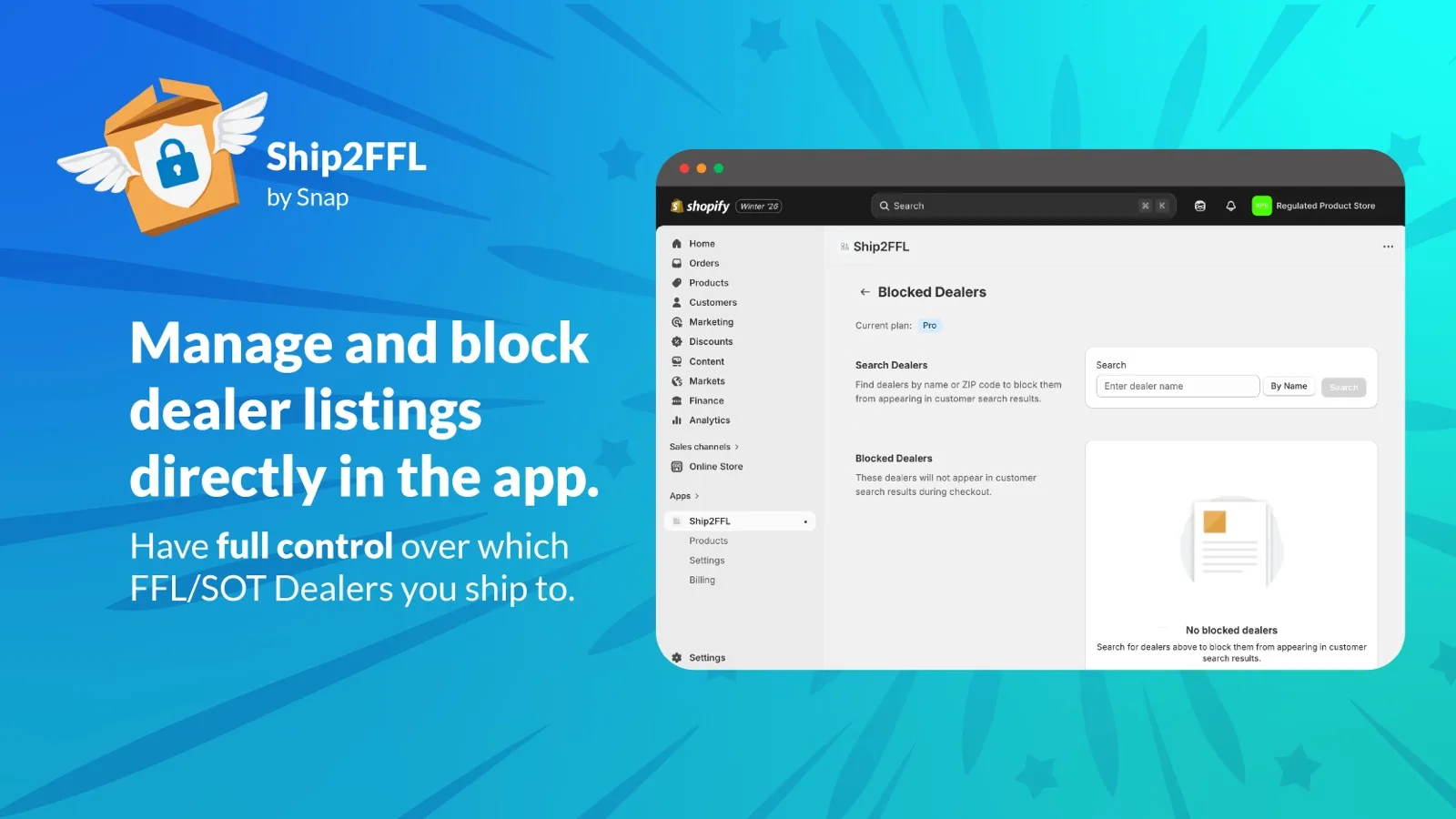
  • Dealer blocking
  • Priority support
  • Everything in Pro
Start Free Trial

All plans include the full FFL + SOT dealer database, monthly ATF data updates, and checkout address pre-fill. Pricing is the same on Shopify and WooCommerce.

Get Started

Choose your platform.

Shopify

Install from the Shopify App Store.

  • One-click install from the App Store
  • Your trial starts right in your Shopify admin
  • Billing runs through your Shopify account
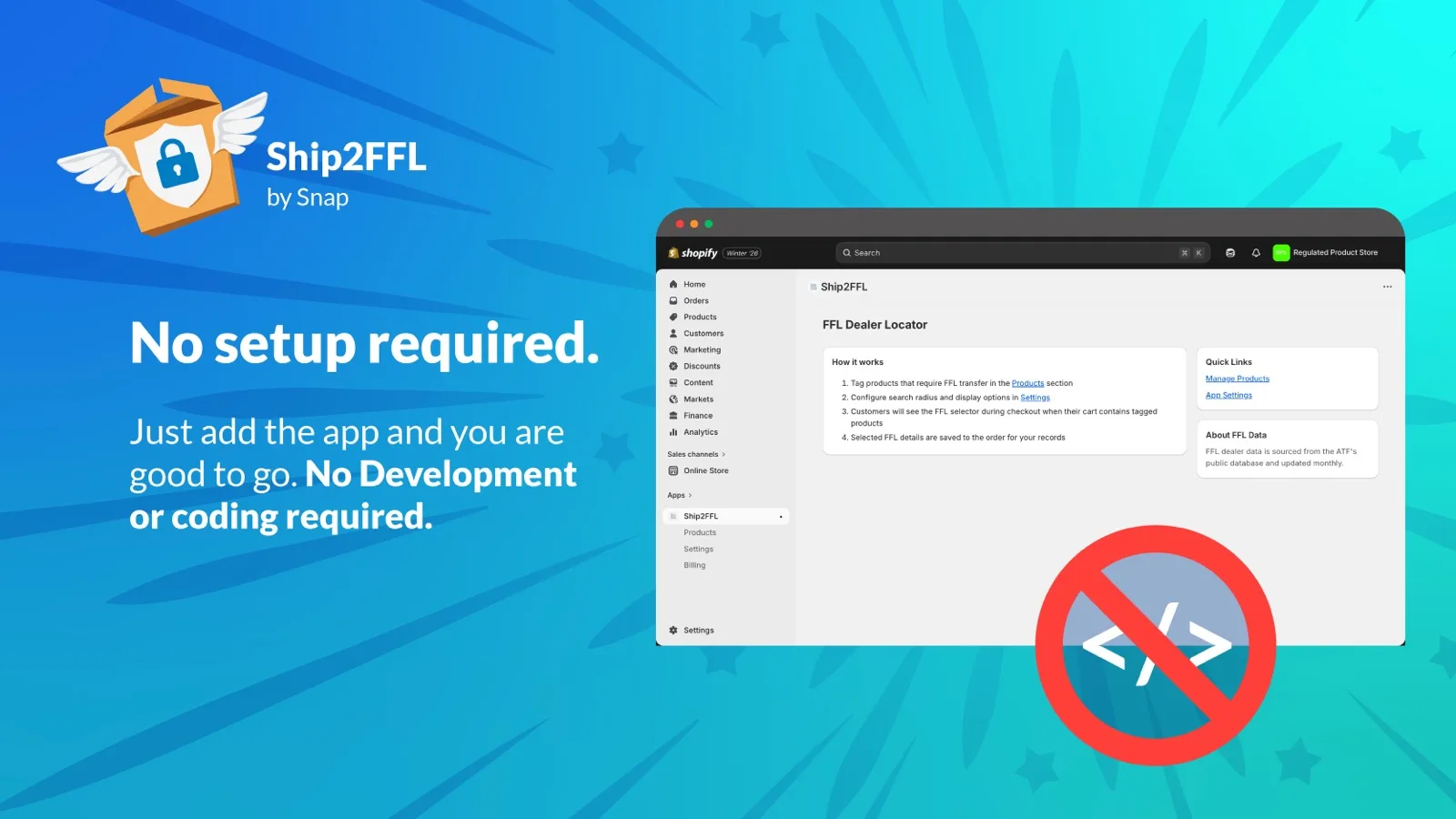
  • Add the dealer selector in the theme editor
View on the Shopify App Store

WooCommerce

A WordPress plugin, licensed through your Ship2FFL account.

  • Start your trial at ship2ffl.snap.dev
  • Download the plugin and get your license key from your account
  • Paste the key under WooCommerce → Ship2FFL and you're live
  • Updates arrive right in your WordPress admin
Start Your WooCommerce Trial

Running something else? Tell us what platform you're on - WooCommerce and Shopify are just the first two.

FAQ

Ship2FFL questions, answered.

What is an FFL and why would I need this?

An FFL (Federal Firearms License) dealer is legally required to receive many firearm shipments on a customer’s behalf. Ship2FFL helps you route those orders to a licensed dealer near your customer so the transfer stays compliant.

Where does the dealer list come from?

Ship2FFL includes a database of more than 60,000 FFL dealers sourced from public ATF records and refreshed monthly, so your customers are choosing from current, licensed dealers.

Does it work with NFA or SOT items?

Yes. The Pro and Enterprise plans add SOT / NFA dealer support, so stores selling suppressors, SBRs, and other NFA items can route to dealers qualified to handle them.

Which platforms does Ship2FFL support?

Ship2FFL is available on the Shopify App Store and as a WooCommerce plugin, with the same features and pricing on both. Shopify stores install from the App Store and are billed through Shopify. WooCommerce stores subscribe at ship2ffl.snap.dev, then download the plugin and activate it with the license key from their account.

What does the customer see at checkout?

At the cart, customers see nearby licensed dealers and pick one. The shipping address is then pre-filled with that dealer’s address, and the chosen dealer is saved on the order for your records.

Is there a free trial?

Yes. Every plan includes a 14-day free trial, so you can set up FFL routing and test it on your store before you are billed.